
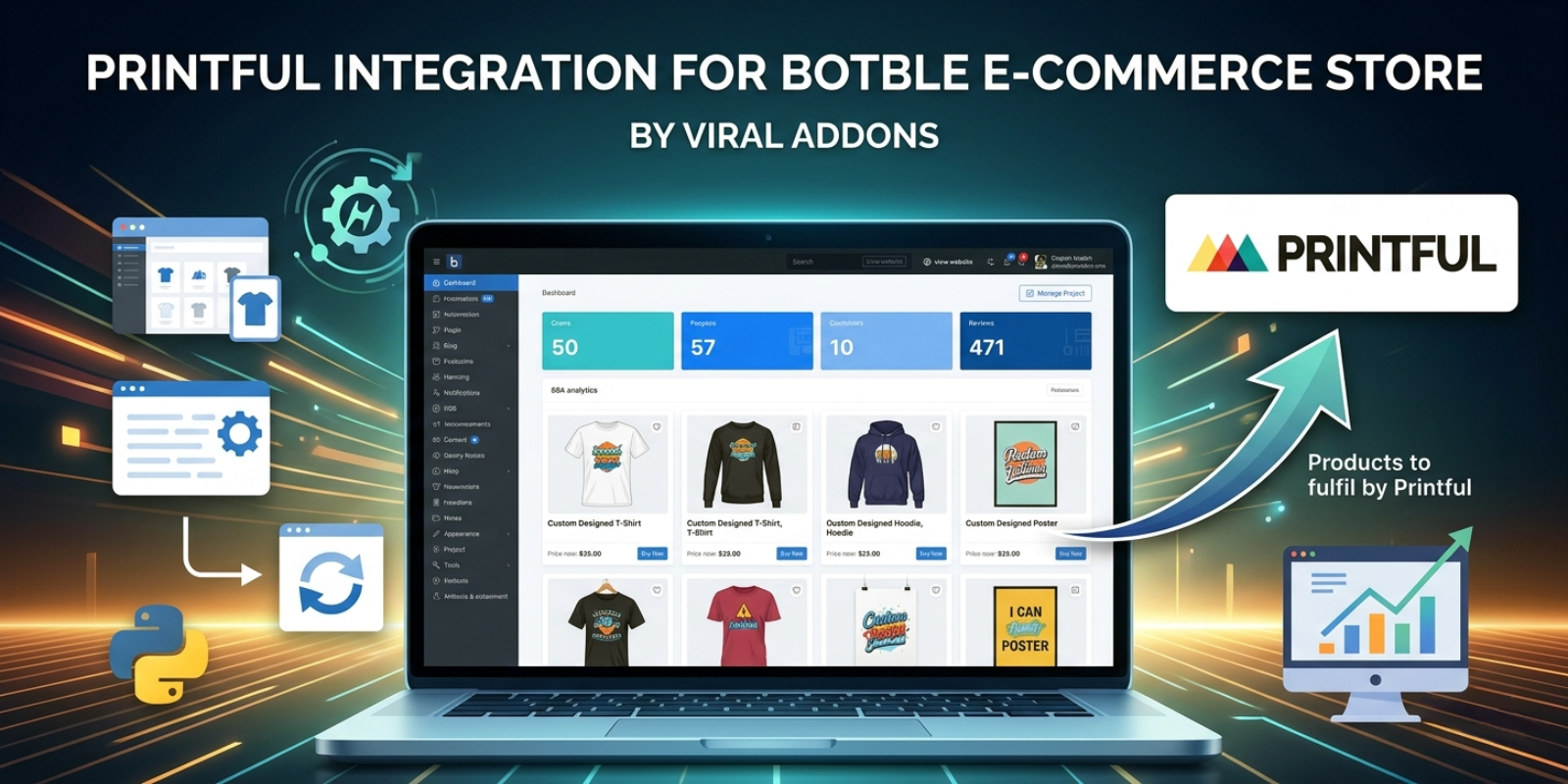
Printful Integration for Botble E-commerce Store
Key Highlights
- Easy Installation
- Premium Support
- Lifetime Updates
- High Performance
Product Overview
Table of Contents
Printful Integration for Botble E-commerce Store By Viral Addons
A powerful, multi-vendor compatible integration between Printful and your Botble E-commerce store. This plugin allows both the platform owner (Admin) and individual Vendors to sync products, calculate live shipping rates, and automate order fulfillment.
Key Features
- Multi-Vendor Support: Works seamlessly with or without the Botble Marketplace plugin.
- Hierarchical Category Sync: Automatically mirrors Printful's category tree (e.g., Men's > Hoodies > Sweatshirts) into Botble.
- Automated Webhooks: One-click setup to receive real-time updates from Printful for package shipping and order tracking.
- Live Shipping Rates: Real-time shipping calculation during checkout using Printful's API, with customizable markup and mixed-cart strategies.
- Intelligent Description Sync: Choose whether to pull descriptions from Printful or keep your store descriptions.
- Dynamic Slug Generation: Automatically generates SEO-friendly URLs for all synced products and categories.
- Cache Optimization: Automatically flushes category caches after sync to ensure new items appear in menus immediately.
API Token Setup Guide
To connect your store to Printful, you need a Private API Token. Follow these steps to generate one:
- Access API Settings: In your Printful Dashboard, go to Settings > Store settings > API.
- Go to Developers Portal: Click the Go to Printful Developers button.
- Choose Private Token: On the developer portal landing page, click Create a token under the Private token section.
- Add New Token: In the developer portal sidebar, click on Tokens, then click the Add new token button.
- Configure Details:
- Token Name: Give it a name (e.g., "My Botble Integration").
- Access Level: Choose A single store and select your store.
- Select Scopes: Check the following exact permissions:
- View and manage orders of the authorized store
- View and manage store products
- View and manage store webhooks (Crucial for real-time tracking. Note: Requires a live HTTPS site; will not work on localhost).
- Generate & Save: Click Create new token, copy the generated key, and paste it into your Botble plugin settings.
- Paste: Enter this token in your Botble store settings (Admin or Vendor dashboard).
Configuration
Admin Setup
- Navigate to Printful Integration > Settings in the Admin panel.
- Enter your Admin Printful API Token.
- Configure your Mixed Cart Strategy (How to handle shipping when both Printful and store items are in the cart).
- (Optional) Set a Default Category for fallback.
- Click Register Webhooks Automatically to enable real-time tracking updates.
Vendor Setup (Marketplace Mode)
- Vendors can find the Printful Settings tab under their Store Settings in the Vendor Dashboard.
- Vendors enter their own private Printful API Token.
- Vendors can set their own Shipping Markup and Default Category.
Syncing Products
- Admin Sync: Use the "Sync Printful Products (Admin Store)" button in the global settings to sync products owned by the main store.
- Vendor Sync: Vendors use the "Sync Printful Products" button in their dashboard to pull their specific Printful products.
Shipping Strategies
When a customer's cart contains mixed items, you can choose from:
- Combine: Sum of Printful rates + Store shipping rates.
- Highest Rate Only: Charge only the most expensive rate found in the cart.
- Printful Shipping Only: Ignore store shipping rules if Printful items are present.
- Standard Botble Shipping Only: Ignore Printful API rates and use your store rules.
Technical Details
- Module Namespace:
ViralAddons\PrinfulIntegration - Version: 1.0.0
- Minimum Requirements: PHP 8.1+, Botble E-commerce Core.
- Optional: Botble Marketplace Plugin.
Changelog
1.0.0
Initial Release **1.0.1
Update UI: Completely redesigned the Printful settings dashboard with a clean, responsive layout and tabbed navigation.
Modernized Catalog Management: Added AJAX-powered catalog loading and a real-time progress bar to handle product syncing smoothly.
Fix Duplicate Product Import: Implemented logic to detect and prevent duplicate product entries during the import process.
Fix Bugs in Order Sync: Resolved issues with customer email validation and shipping address formatting to ensure reliable order transfers.
Enhanced Address Validation: Added automatic state-to-ISO code conversion for India, USA, Canada, and Australia to meet Printful API requirements.
Multi-Vendor API Support: Fixed authentication logic to ensure vendor-specific API tokens are correctly utilized for their respective products.
General Stability Fixes: Resolved multiple server-side errors and improved overall plugin performance on live production environments.
Developed with ❤️ by ViralAddons.
Support the Author
If you find this product helpful, consider supporting the developer.
Scan QR Code

Frequently Asked Questions
Recommended Plugins
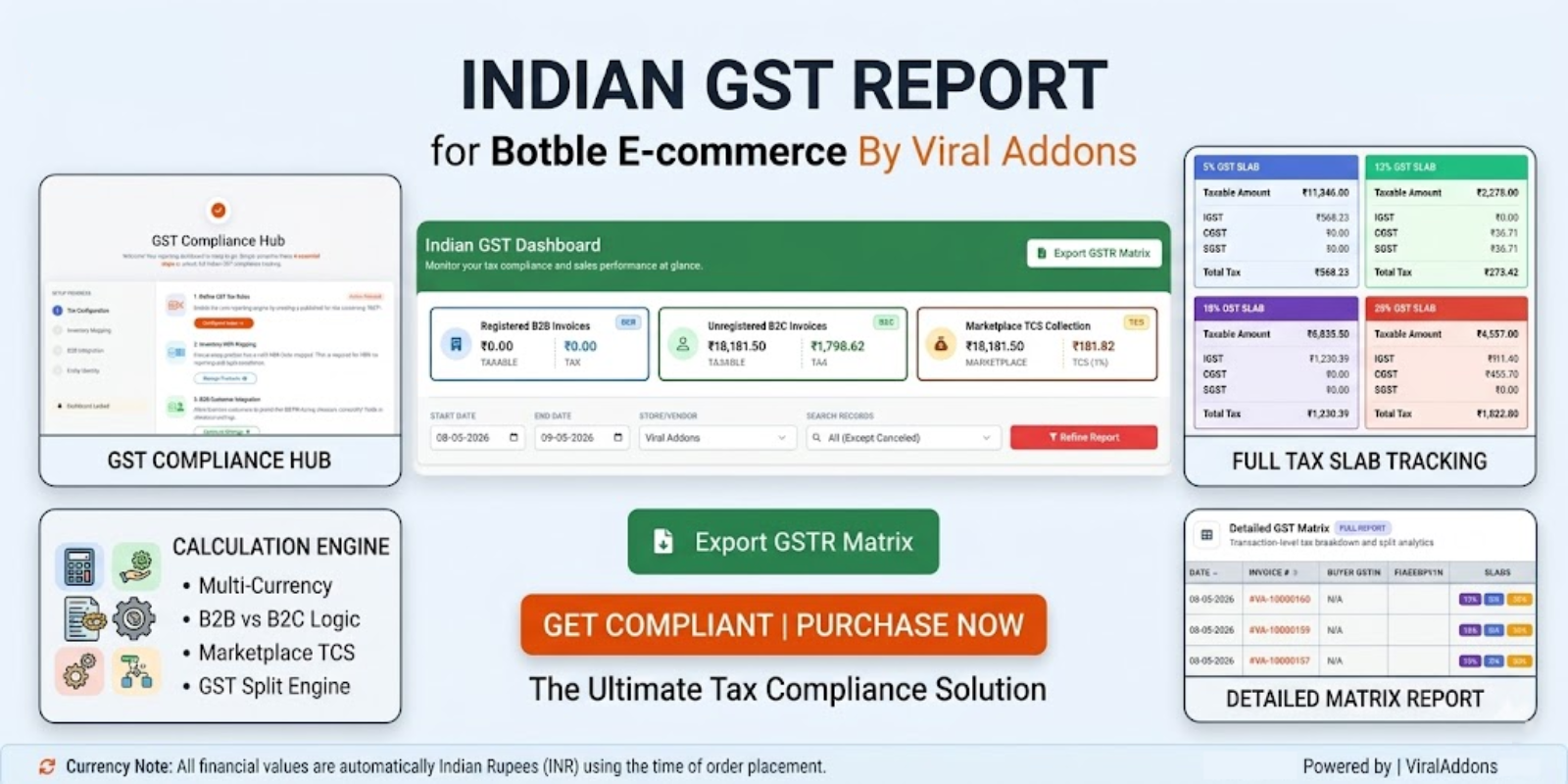
Indian GST Report For Botble Ecommerce
Indian GST Report For Botble Ecommerce By Viral Addons A powerful, compliance-focused GST reporting dashboard designed for the Indian market. This plu...
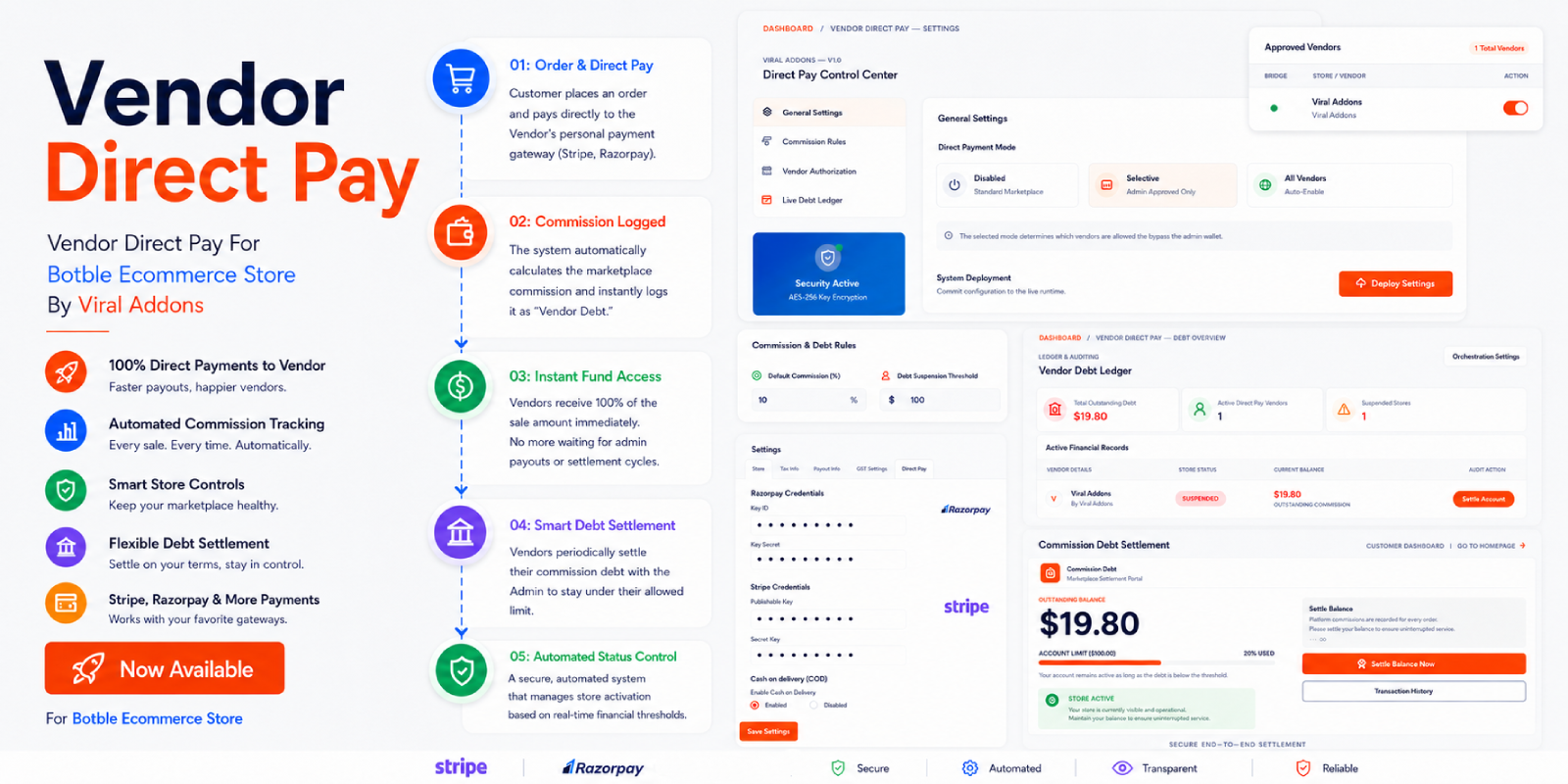
Vendor Direct Pay For Botble Ecommerce Store
Vendor Direct Pay For Botble Ecommerce Store By Viral Addons This plugin provides a robust, bi-directional payment and debt management system for Botb...

Advanced Shiprocket Integration for Botble Marketplace
Advanced Shiprocket Integration for Botble Maketplace By Viral Addons Advanced Shiprocket Integration for Botble Marketplace By Viral Addons plugin in...